Shield
 Probe
 Strike
 Grow
 Flow
 Pulse
 Blink
Shared Email in a Family Business: Why One Habit Becomes Everyone's Risk
Published by Aqib Muhammed, CEO
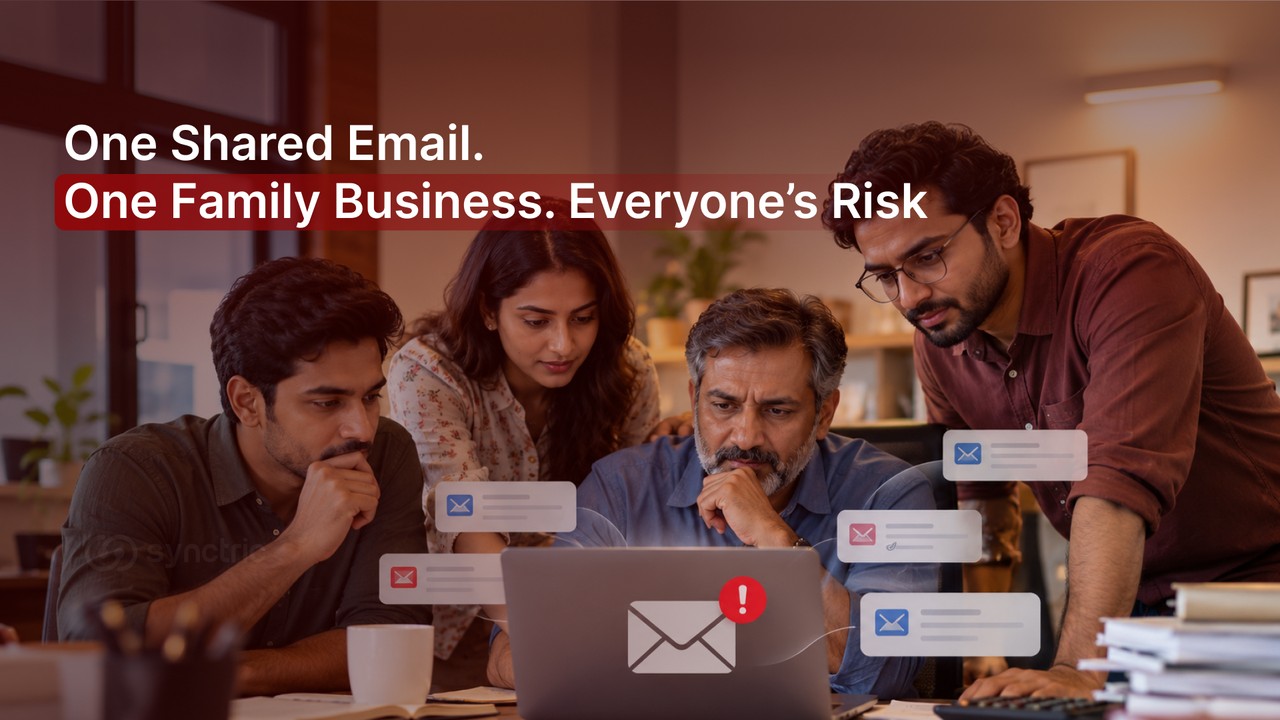
In a family business, sharing one email login feels like trust and for years it works. Then a payment slips through or someone who left still has access and the problem isn't one person's. It's everyone's.
Here’s how a shared email account can put your family business at risk and what you can do to protect it.
Why does sharing one email across a family business feel fine, but isn't?
Sharing one email across a family business feels fine because the people sharing it are your family members right? The catch is that trust doesn't shrink the risk it spreads.
One login now carries the whole business so a single mistake, scam or leak stops being one person's problem and becomes the whole family's at once.
Picture a small firm run by a family. The father answers enquiries, one son handles orders, the daughter does the website and a cousin keeps the accounts. All four are signed into info@thebusiness on their own phones.
It is the single most common setup in a family-run company. Nothing about it looks risky which is exactly why the risk goes unnoticed until it lands on everyone together.
 In a family business, one shared inbox usually carries both personal and business mail for several people at once so whatever reaches it reaches all of them
 The five sections that follow each show one way that shared login turns into shared exposure for the family and the business and the fix that contains it. No jargon and nothing you need a security team to act on.
When no one owns the inbox, no one owns what happens in it
When several family members share one login, the inbox records one actor..
So when something goes wrong, a wrong reply, a deleted invoice, a leaked file, it belongs to all of you and to none of you at the same time.
No one can tell who did it which means no one can quickly put it right either.
Security people call this non-repudiation, which just means the ability to prove who did a given thing.
A shared email account has none of it.
Every action shows up under the same name, so the account's own record of activity is blank on the one question that matters after a problem. These are the risks of a shared email account that stay invisible until the day you need the answer.
The hard part: After a problem, "it came from our account" is the most you will ever be able to say. Not who sent it, not who opened the attachment, not who changed the bank details on that invoice.
In a family firm this cuts deeper than in a normal office. No one wants to suggest a relative made the mistake, so a blameless gap in the record quietly becomes a reason nothing gets looked into at all.
The cost isn't blame.
It's that the problem never gets found. If an account is ever compromised, the same gap makes recovery slower, which is a separate headache covered in our blog on what to do when a business email is hacked.
Why a scam is easier to fall for when everyone trusts the same inbox
A scam is easier to fall for in a shared family inbox because it only has to fool one person to catch the whole business. The same trick now has four chances to land, inside a family where a familiar name is trusted on sight. And the person it catches is usually the one who assumed somebody else had already checked it.
Here is how it tends to play out. A message lands in the shared inbox "Dad, can you clear this payment before the bank cut-off?" It is signed like a relative and worded like one. It looks like a family. One person opens the email, assumes someone else has already checked it and approves it without verifying.
The inbox simply made the trick look ordinary.
Three things make the family inbox softer than a normal one:
- A familiar sender name is trusted without a second look, because in a family business most real messages do come from familiar names.
- Informal approvals, a quick "just pay it" sent to the same inbox, leave no step where anyone verifies the request.
- Everyone assumes someone else is keeping an eye on the inbox so in practice no one is.
This kind of attack has a name business email compromise where a scammer poses as someone trusted to trigger a payment or a change of bank details.
It is the costliest form of email fraud precisely because it depends on trust rather than malware and a shared family inbox gives that trust more room to work.
When your personal email is the business email
In most family businesses the owner's personal email and the business email are the same address. So one inbox holds the children's school replies, the family's online shopping, the bank alerts and also the company's invoices, contracts and tax mail. Whatever reaches one side reaches the other.
This is what makes a family business different from generic advice about shared inboxes. A support inbox at a big company is only ever work.
A family business inbox is the owner's whole life. The blur runs both ways: a personal account breach becomes a business breach and a business leak now exposes the family too.
In the same inbox- personal | In the same inbox- business |
Online shopping and delivery updates | Vendor and supplier invoices |
School and medical mail | Client contracts and quotes |
Bank and payment alerts for the family | Company bank, GST and tax mail |
Personal subscriptions and social accounts | Payment approvals and salary mail |
There is a longer term effect too. Because that one address has done double duty for years, it has been handed to hundreds of websites and apps. Each one is a place the shared password can later leak. That build-up is the next risk and the one most people never think to check.
What happens when a family member leaves or is let go
When someone who knew the shared password leaves, a cousin who moves on an in-law after a falling-out ,they still know the login. Unless the password is changed they can still read every email that arrives and no one is alerted that they are there.
Offboarding a relative is harder than offboarding an employee.
Changing the password can feel like an accusation so the step that should be routine gets quietly skipped. The access outlives the role, sometimes for years, not through any bad intent but because no one wanted to make it awkward.
A clean exit is four quick actions:
- Change the shared password the same day the person leaves.
- Sign out all devices from the account's security settings, so old phones lose access.
- Remove any recovery phone number or backup email the person added.
- Check whether any auto-forwarding was set up to send copies to an outside address.
Worth knowing: A former family member who still has the password doesn't need to hack anything. They just log in and the inbox treats them as you.
Most lingering access is never misused. The problem is that it is uncontrolled and invisible, not that relatives are a threat. You simply cannot manage access you cannot see.
The risk that builds up quietly: one address, years of exposure
The longer one address serves the whole family and the whole business, the more places it has been used to sign up and the more people share the fallout when any of them is breached.
Every site is somewhere the login can later leak and because the family reuses that one password, a leak at any single site puts all of them at risk. This one isn't a single event. It is a quiet build-up over years that nobody is tracking.
Think of the shared address as one key cut for every lock the family and business ever used: the gym, a dozen shopping sites, the accounting tool, an old supplier portal nobody remembers signing up for.
Once you have lost count of how many copies of that key exist, a break-in at any one of those places hands over a working key to all of them.
A lot of this exposure sits in dormant accounts, old signups tied to the address that no one uses any more but no one closed either.
They are invisible precisely because they are forgotten. A breach at one of them still leaks the password the whole family has reused everywhere else.
 This is not a rare habit. In one widely reported survey of online behaviour, email was the single most commonly shared password, with around 60% of people who share passwords sharing their email login.
A shared family business inbox turns that one shared password into a shared exposure.
The takeaway: You can't protect an account you have forgotten you own. The first step is finding every place the shared address has been used.
How to check whether your shared address is already exposed
You can check in three steps and none of them needs a technical background:
- Put the shared address into an email breach-monitoring service to see which known data breaches it already appears in.
- List every site and app that still uses that address to log in, including the old, forgotten ones.
- Note which of those still reuse the same shared password. Those are the accounts to fix first.
 Three steps to check whether a shared family-business email address has already been exposed in a data breach
How to fix it: Give everyone their own login and monitor the shared inbox you cannot separate
The fix is two moves. Give each person their own login so the inbox can tell you apart and keep watch on the shared addresses you can't retire yet, so you learn the moment one is exposed instead of months later.
Start with the five steps that cost nothing but a little time:
- Create an individual login for each family member who needs access.
- Turn on two-step verification on every one of those accounts.
- Stop reusing the shared password anywhere else and give each account its own.
- Change the shared password whenever someone leaves the business.
- For any shared address you have to keep, watch it for breach exposure.
Some shared addresses can't be retired overnight. The one printed on every invoice and tied to the company bank account is going to stay in use for a while. For those, the realistic control is to know the instant the address shows up in a data breach and to see the forgotten signups still attached to it, so you can act before anyone else does.
That is what Shield by Synctric does. It watches the email addresses you enrol against known data breaches and surfaces the dormant accounts still tied to them, so a leak doesn't stay hidden until it causes a problem.
For a family business, this matters because it closes the exact gaps the earlier sections described. You find out the week an address is exposed rather than after a payment goes wrong and you finally see the old signups no one remembers, the exposure you would otherwise never go looking for.
Bring the email your family business runs on to Synctric and find out what it is already exposed to.
Frequently Asked Questions
Is it safe to share one email account in a family business?
Only for low-stakes, read-only things. Anything that moves money, changes records or carries personal data needs an individual login behind it, so the account can show who did what. The convenience is fine until the inbox becomes the place your business actually runs.
Should everyone in the business have their own email account?
Yes. A separate login per person is the single biggest fix. It restores a clear record of who did what, lets you switch off one person's access without resetting everyone and stops one breach exposing the whole team at once.
What's the first thing to change if we've shared one email for years?
Turn on two-step verification today, then set a fresh password that isn't reused anywhere else. Those two steps take minutes and close the largest gaps while you plan separate logins for everyone.
What happens to the business email when a family member leaves?
If you don’t change the password, they can still access the inbox, read new emails, and do so without triggering any alerts. Change the password, sign out all devices and remove any recovery contact or forwarding they added.
Should we delete the old shared email address?
Usually no. It is attached to too many invoices, bank records and signups to simply drop. Keep it, stop adding people to it, move everyone to their own login and monitor the old address for exposure instead.
How do I know if our shared email has already been in a data breach?
Check the address with an email breach-monitoring service. It tells you which known breaches the address appears in and flags forgotten accounts still tied to it, so you know which passwords to change first.